Headline
-
Primitive function of adjustment of world scale according to pose is uploaded.
Opening door interaction for final project introduction is done.
-
Refine function of controller by adding reset button and switch(on and off)
Hanyuan Xiao

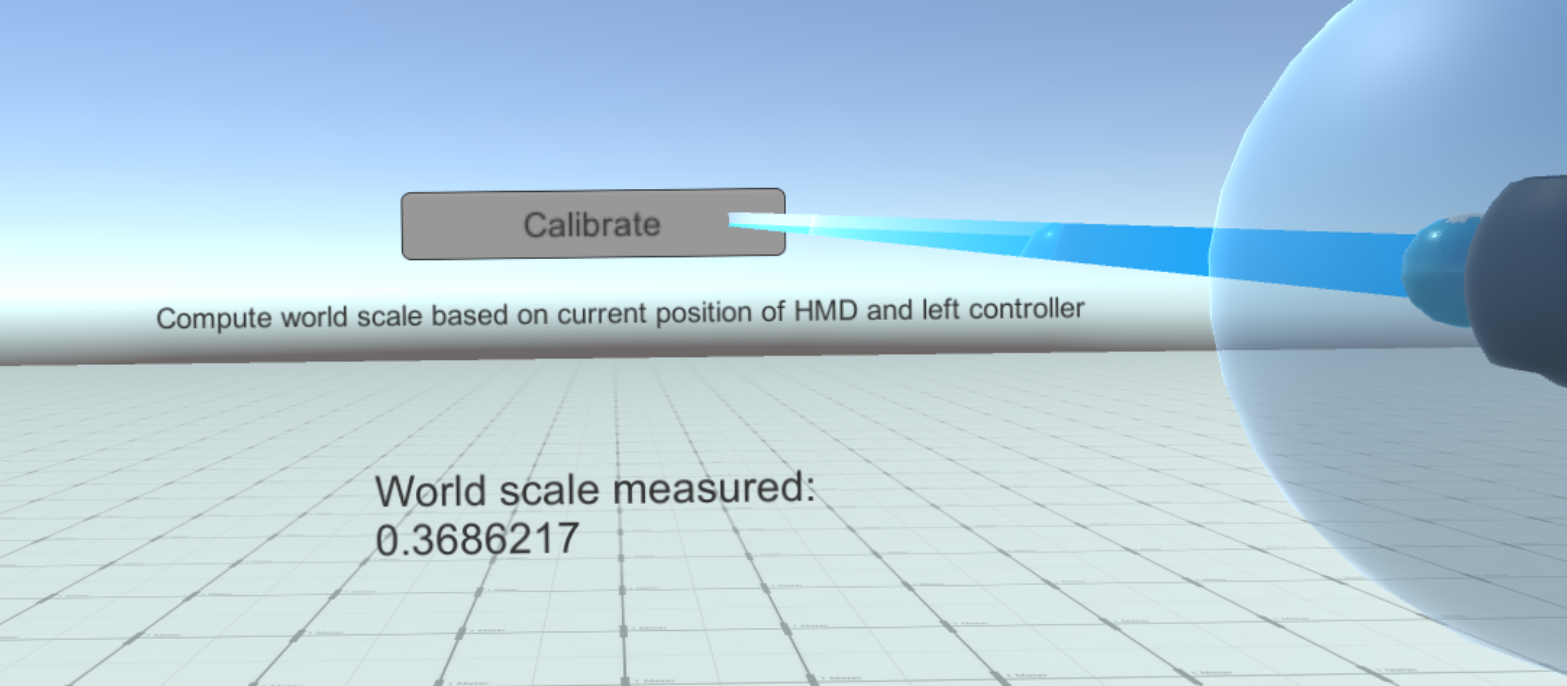
- Primitive function of adjustment of world scale according to pose is completed and uploaded.
- Clicking "Calibrate" computes world scale based on current measurement.
- Print out world scale on dialog below so users can see the change of the value.
- Delegate global object to make the scale available to whole scene.
Hyuck Ju (Tommy) Kim
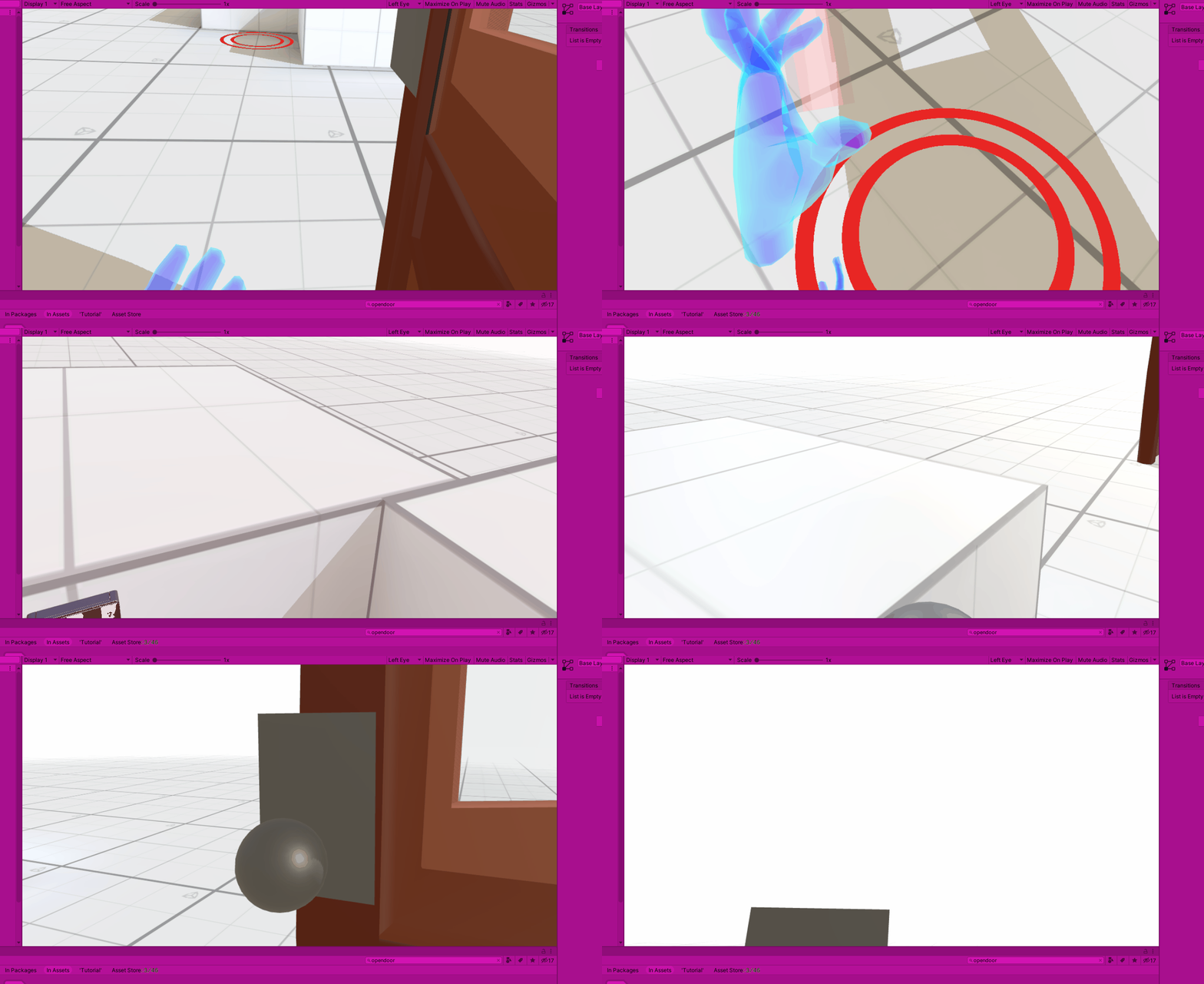
- Worked on creating a door open on interaction with an object.
- This will later be used in the final project scene introduction--entering the office with your heart,
Hong Liu (Sherry)
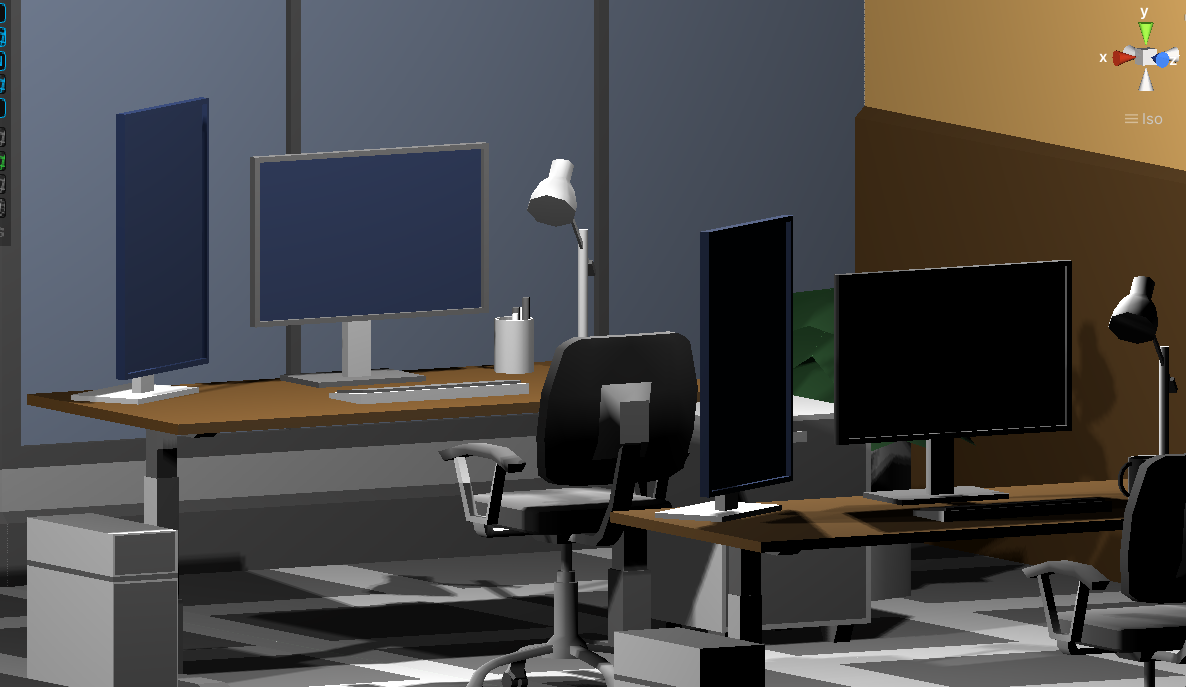
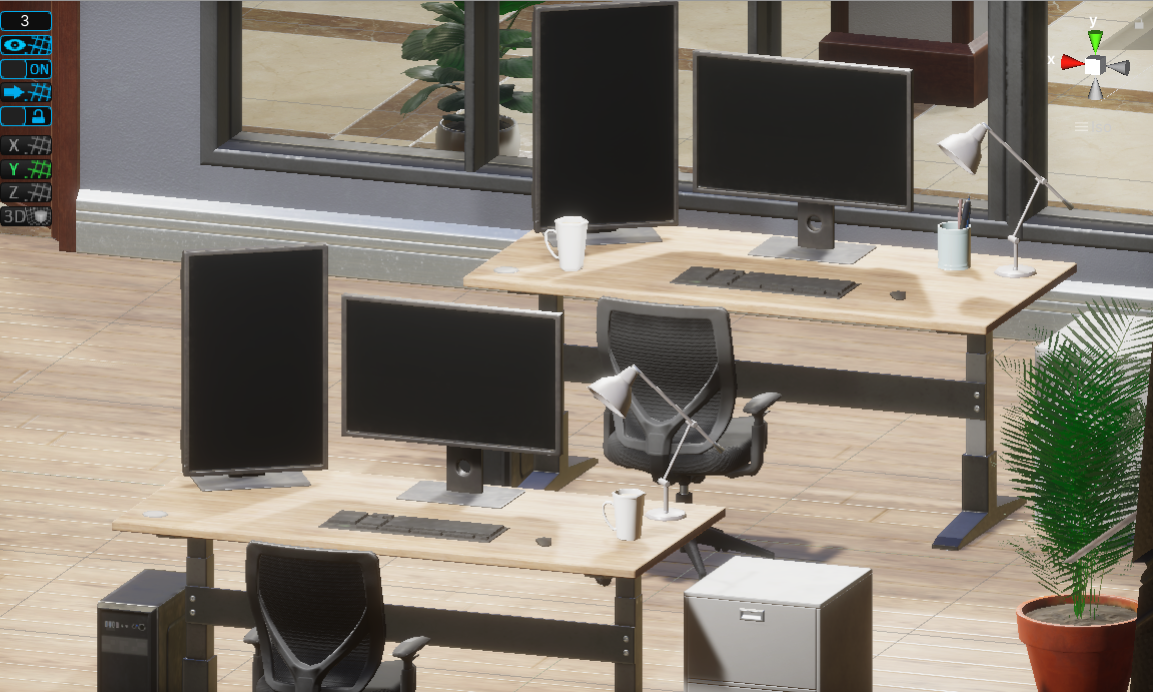
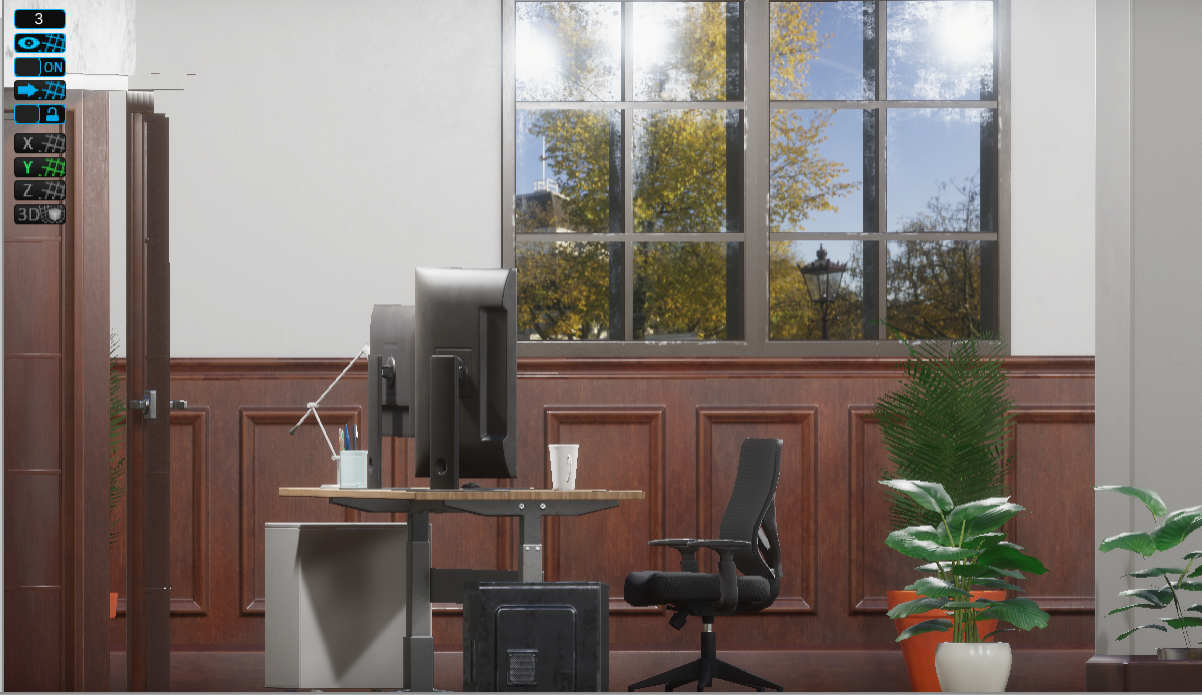
- Build a basic office scene by using Snaps Office from Unity assest store.
- Try to upgrade exist basic lowpoly office scene to high definition render pipelines version, but have a lot of errors, and finally fix them.
- The picture below shows what it looks like now.
- Enable office scene to used in XR.
Jessi Jia
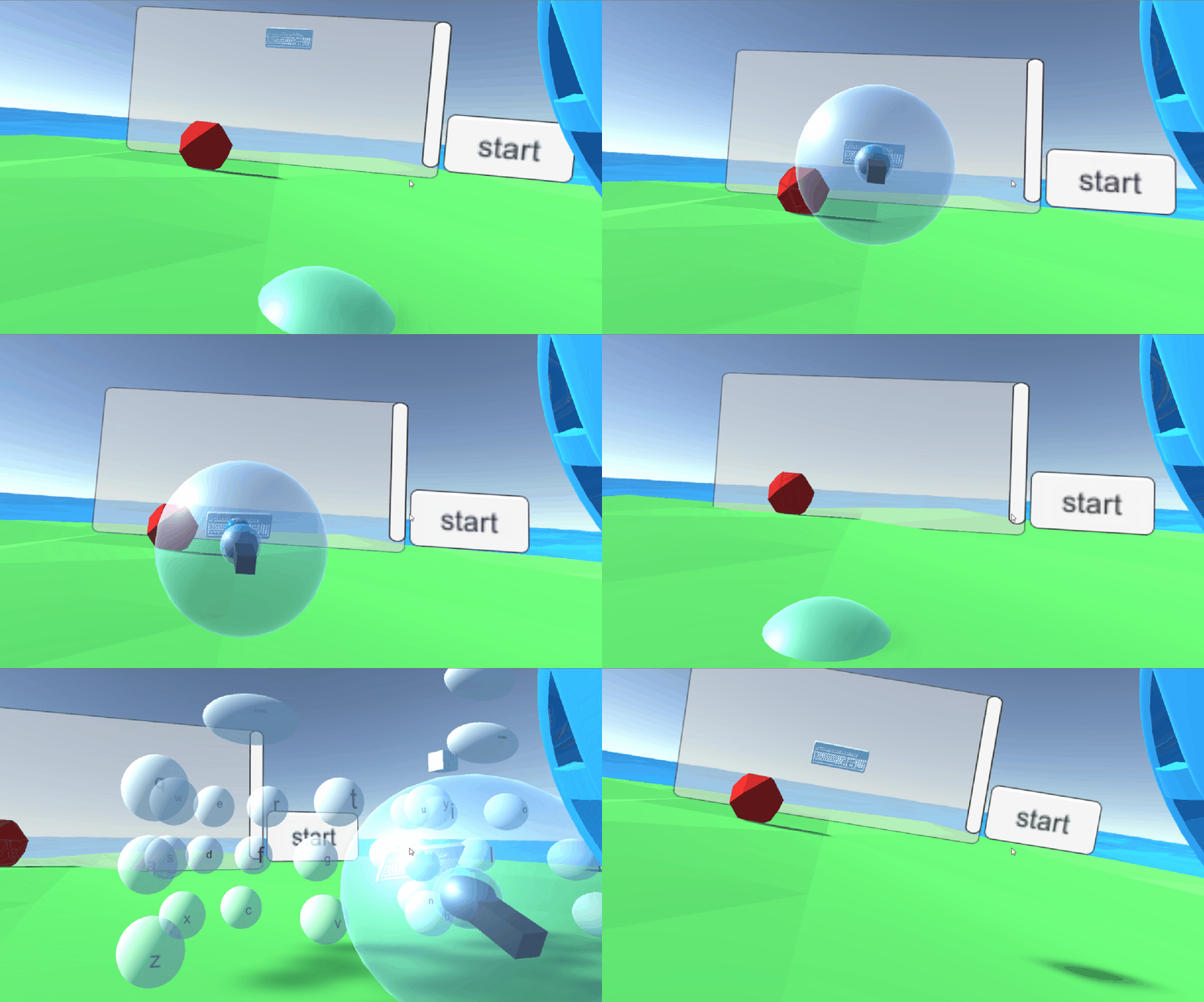
- 1)A keyboard position customization. The user can grab the keyboard model and press trigger, a keyboard will appear at where the keyboard model is. The user can use this function to place the keyboard at where he/she wants. 2) Mirror keyboard. An upper keyboard and a lower keyboard. An upper keyboard is for showing where the hands are. The lower keyboard is responsible for actually typing.
- Challenges: How to arrange the upper and lower keyboard so they offer better user experience.
Shinyee Lin
- Implemented the screenshot, video capturing with gallery buttons in Unity.
- Passed the scripts with documents to Sophie.
- Challenges: combined them as a prefab. The gallery prefab needs 2 scenes.
Sophie
- Show the percentage of volume and brightness just when held the model.
- Add the slider in front of the player to show the sound roughly
Feiyu(Robert) Miao
- Implement the reset button and switch(on and off). Those two buttons only show when user flip their controllers upside down.
- Reset Button: Reset the direction and length of the laser.
- Switch: Turn the laser on the controllers on and off.
- Refine the script, change the scripts to make them easier to use.
- Modify the file name to conform to the standard.
Hanyuan Xiao
- Adjust location of UIs in the scene accordingly.
- Create global API for all functions to access and adjust.
- Create function to compute position of all UIs according to calibration.
- Introduce skeleton from outside.
Hyuck Ju (Tommy) Kim
- Fix sphere at chest location
- Upload scene to seperate branch to use later
- Talk with Powen and start on messages and other UI related objects for final project.
Hong Liu (Sherry)
- Write a document about how to upgrade lowpoly version office to HDRP version office.
Jessi Jia
- Show controller for the upper keyboard. The controller should move according to how lower controllers move
- Better keyboard customization
Shinyee Lin
- Pass the prefab to Sophie.
Sophie
- Show the sliders for both sound and light when adjust the sound and brightness by model.
- Replace the Text to TextMeshPro in order to optimize the UI effect. merge the Screenshot part.
- Unpacking the UIcanvas prefab
Robert(Feiyu) Miao
- Migrate the office scene to the project and add XRRig into the new scene(XRinVR).